UHF
Step-by-Step Setup
Step 1:
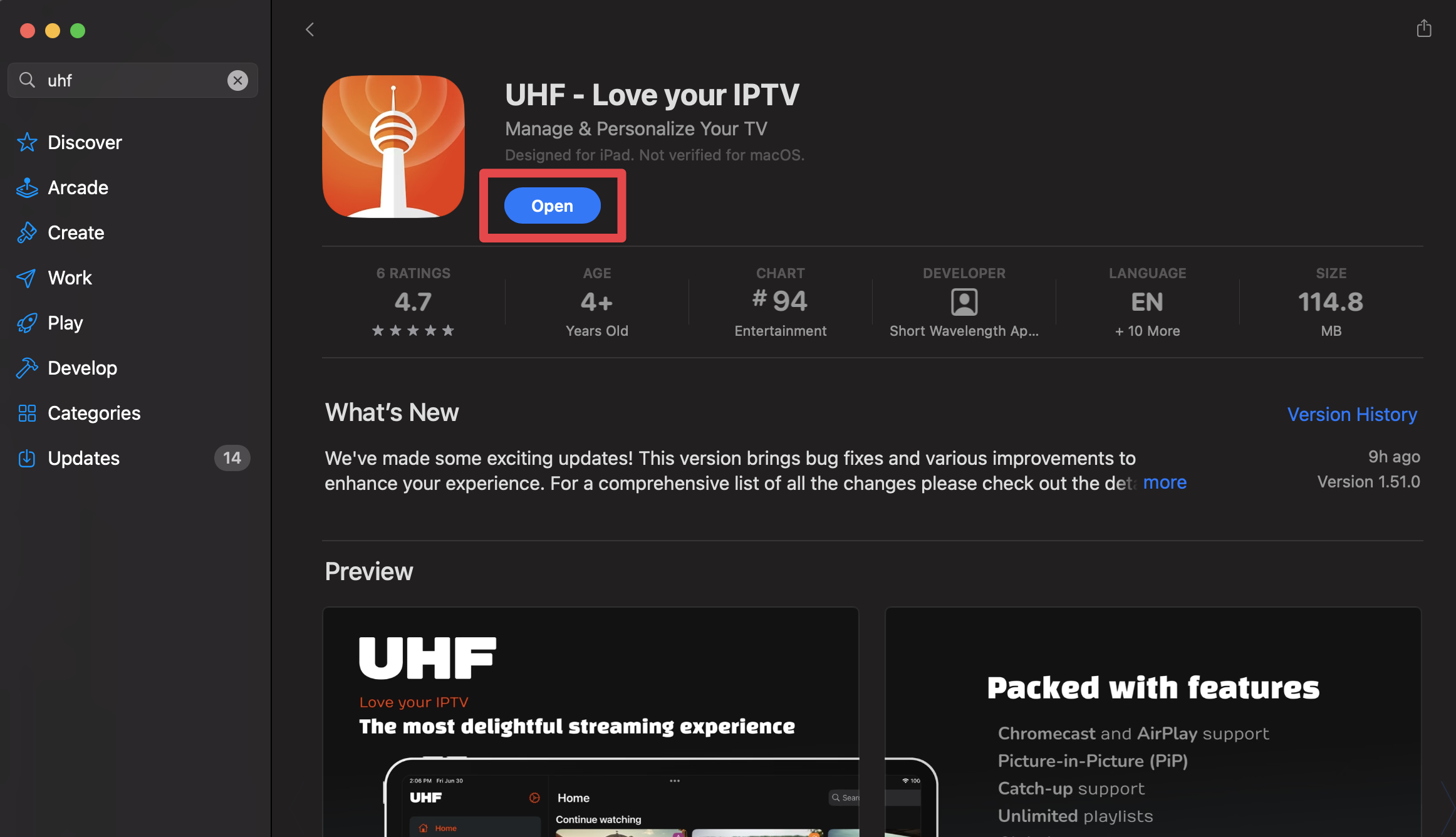
Go to the App Store on your Apple device and type in UHF. Click download and open the app.
Step 2:
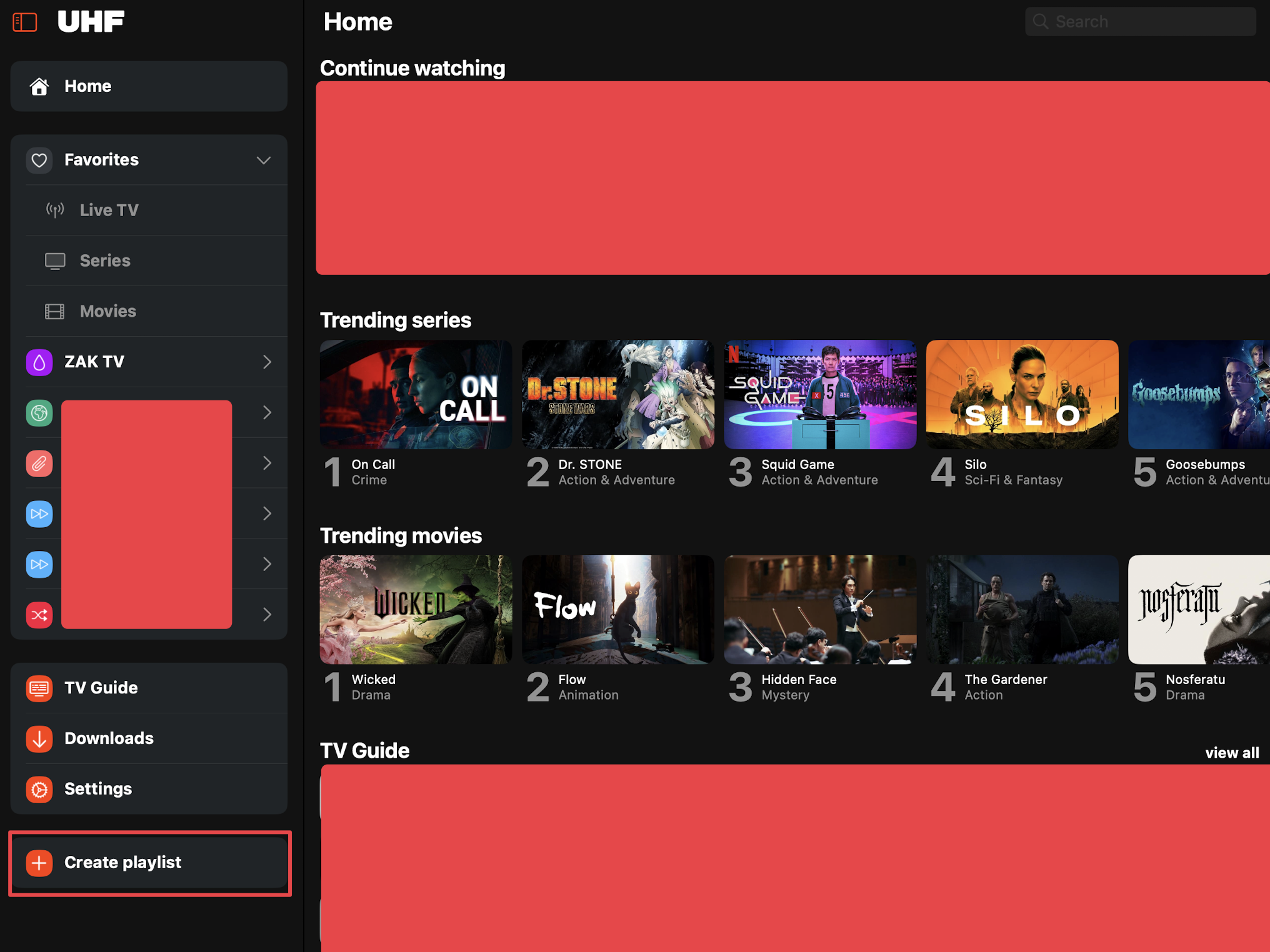
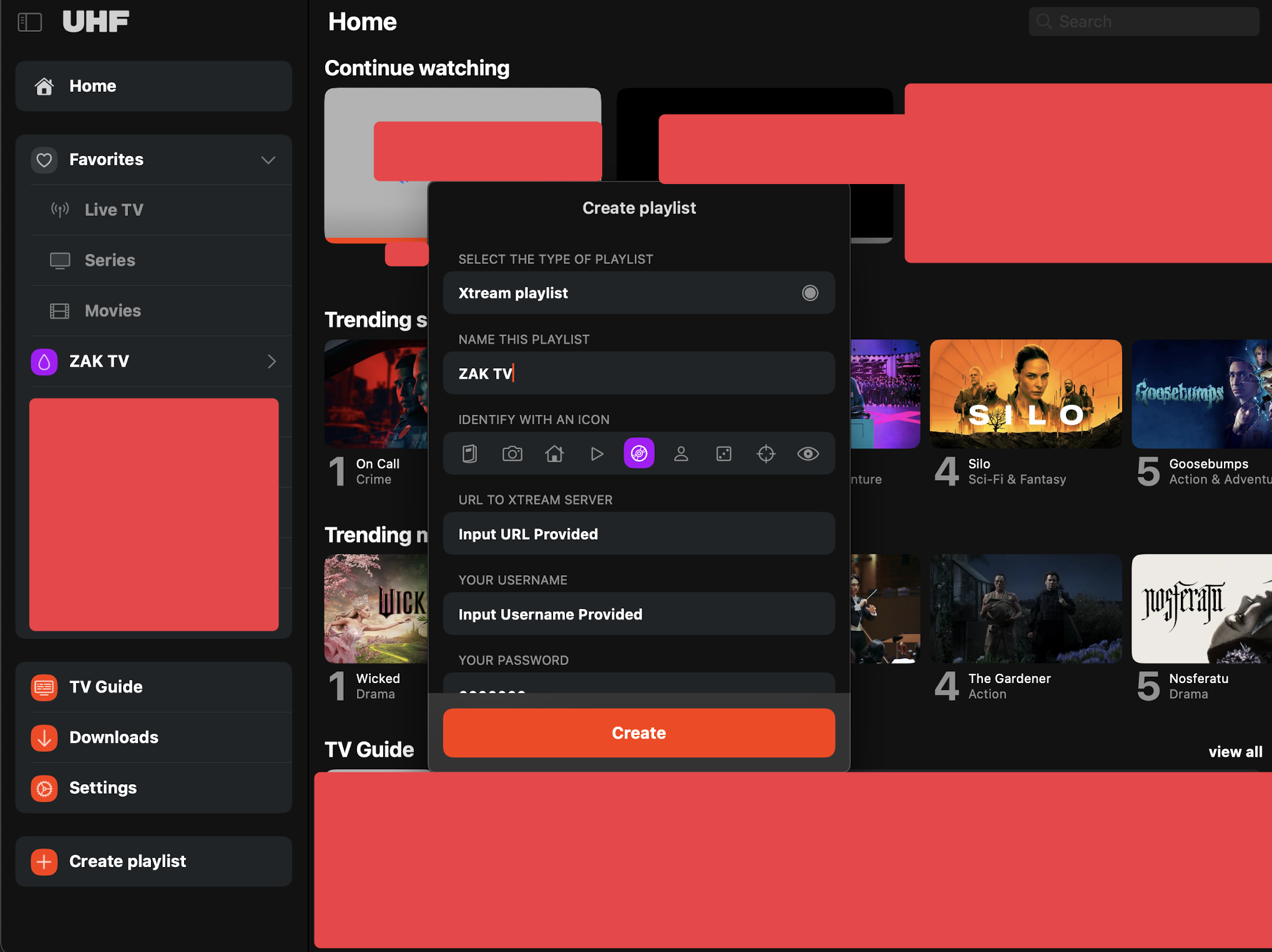
Select Create Playlist.
Please note: The Add Playlist option may be displayed in the middle when there are no existing playlists.
Step 3:
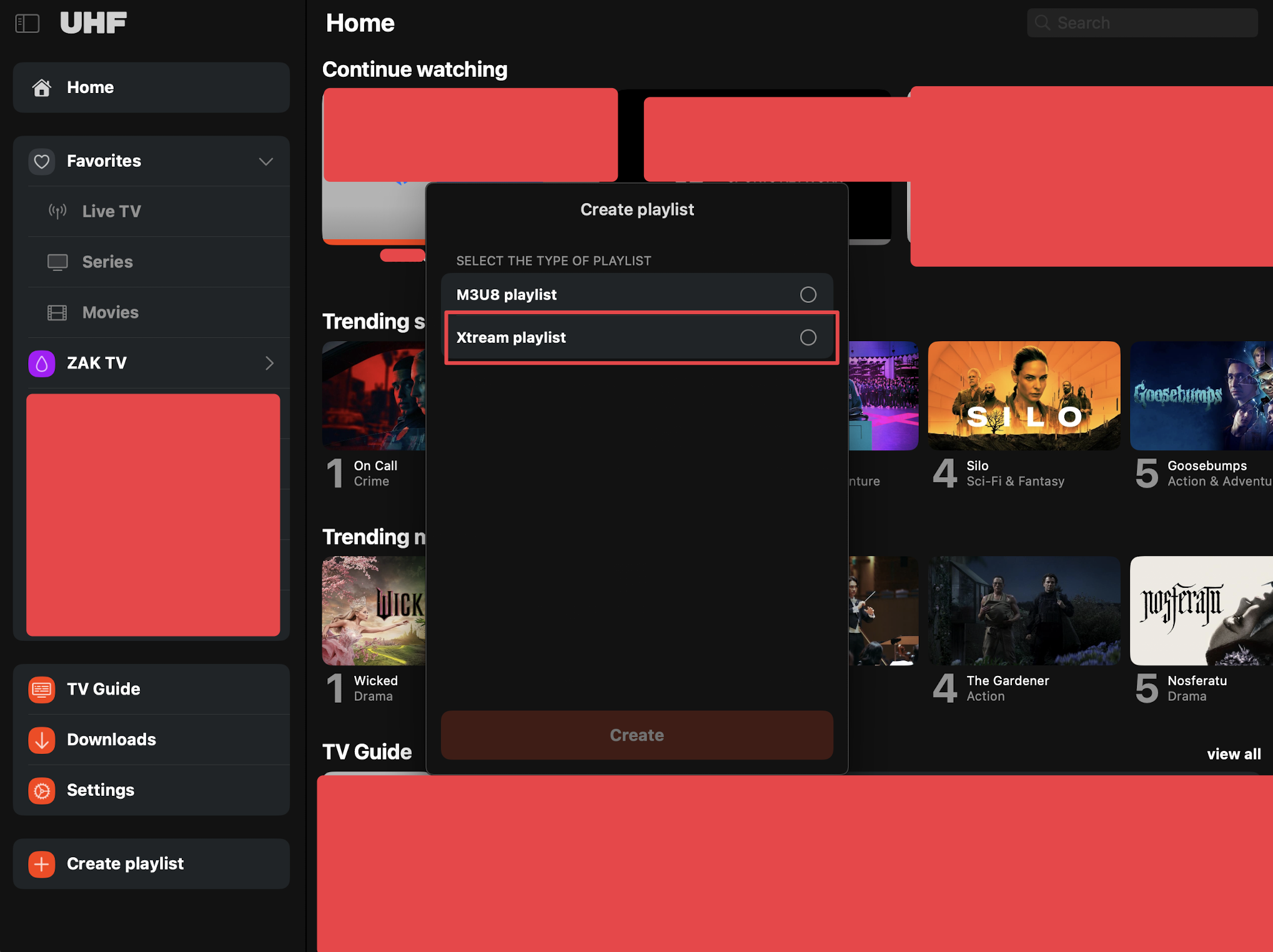
Select Xtream Playlist.
Step 4:
Input the login credentials provided during purchase. Click Create.
Step 5:
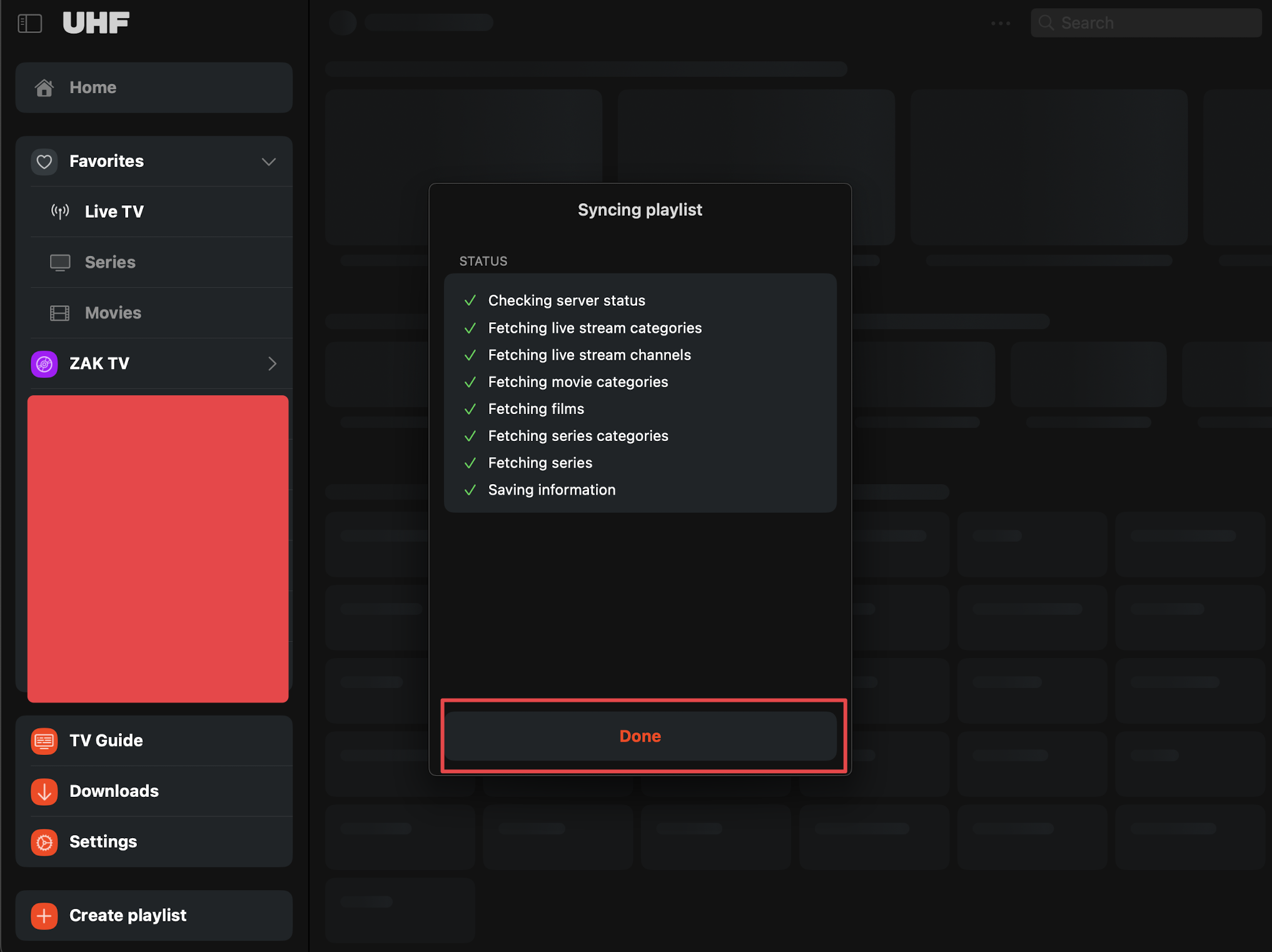
Let the playlist sync and select Done.
Step 6:
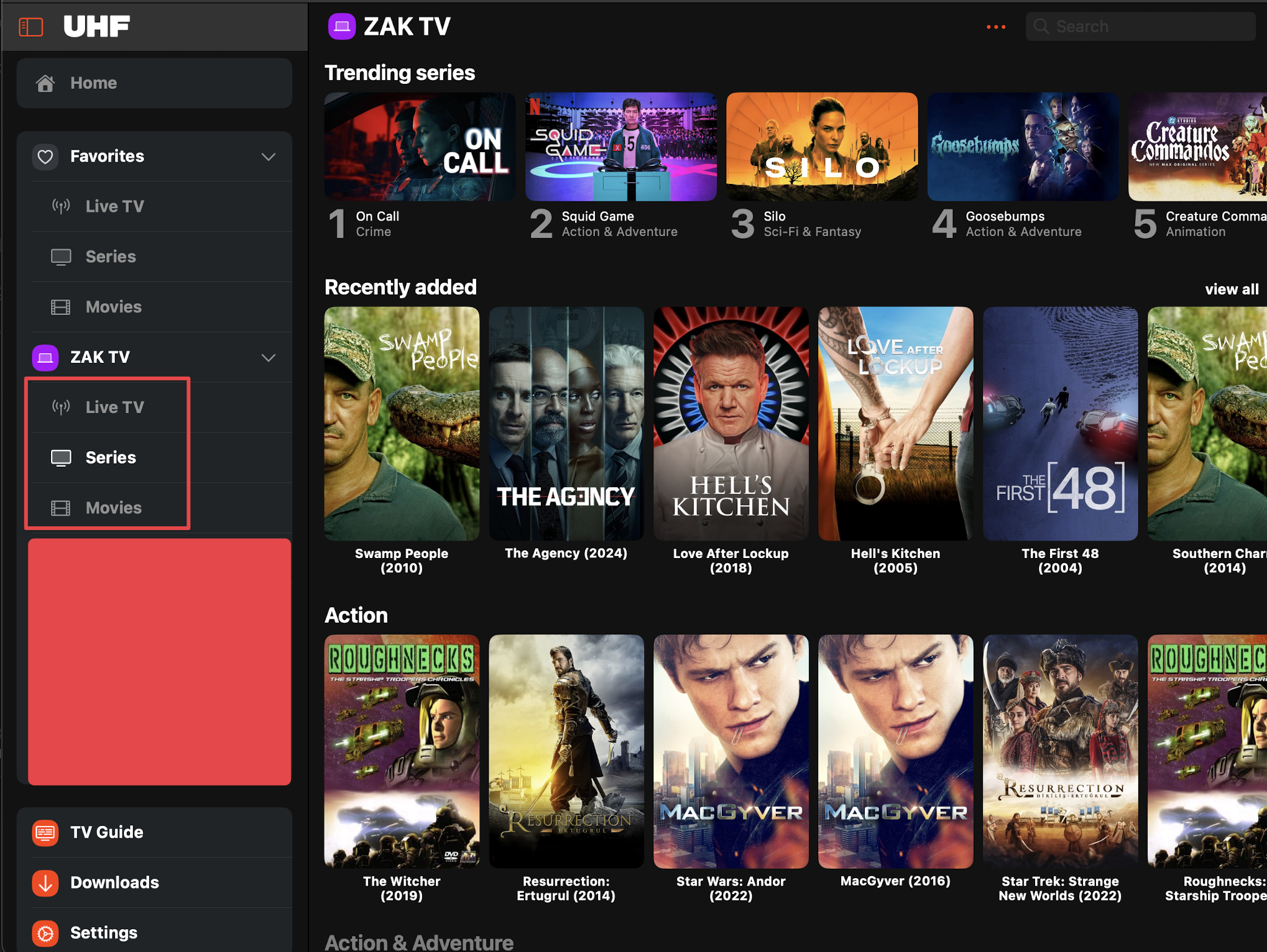
Select between Live TV, Series, and Movies. Enjoy!